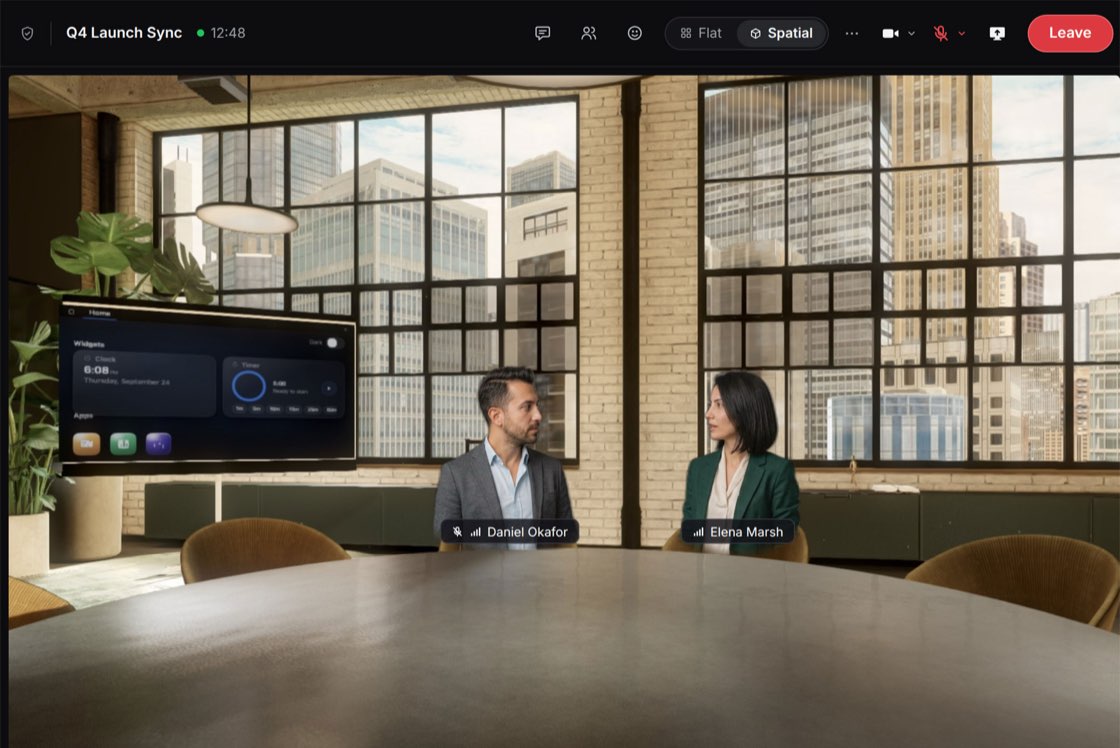
Chat, calendar and spatial calls in one place, with an agent layer that picks up the busywork. Join from your browser with nothing but a webcam, look around and take a seat.
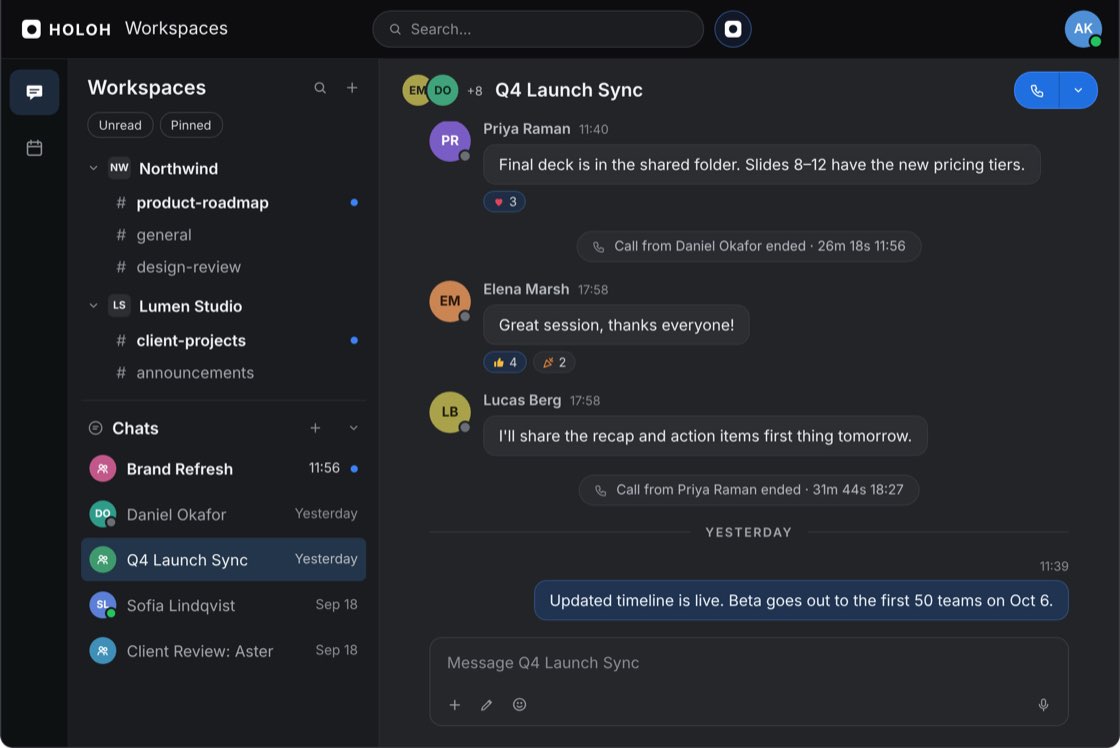
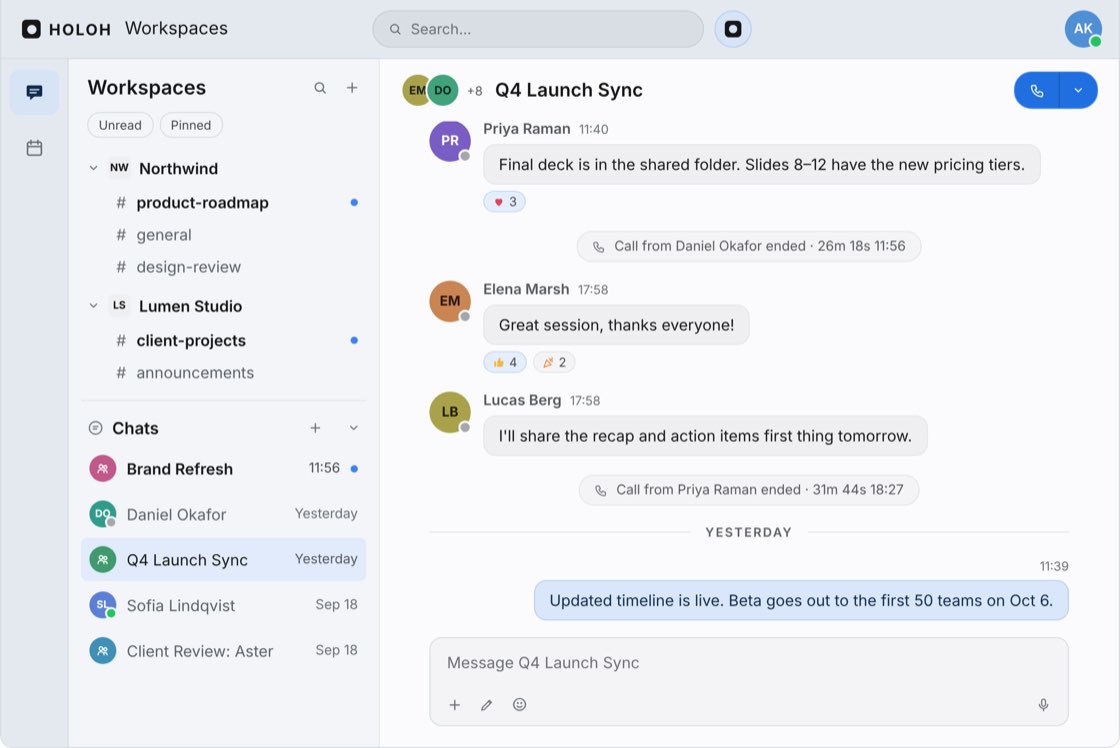
Threaded conversations and live rooms, organized by workspace.
Every thread stays in its channel, nothing to scroll back through
Start a call from any channel or DM without leaving the conversation
Search across every workspace you belong to at once
Shared calendar
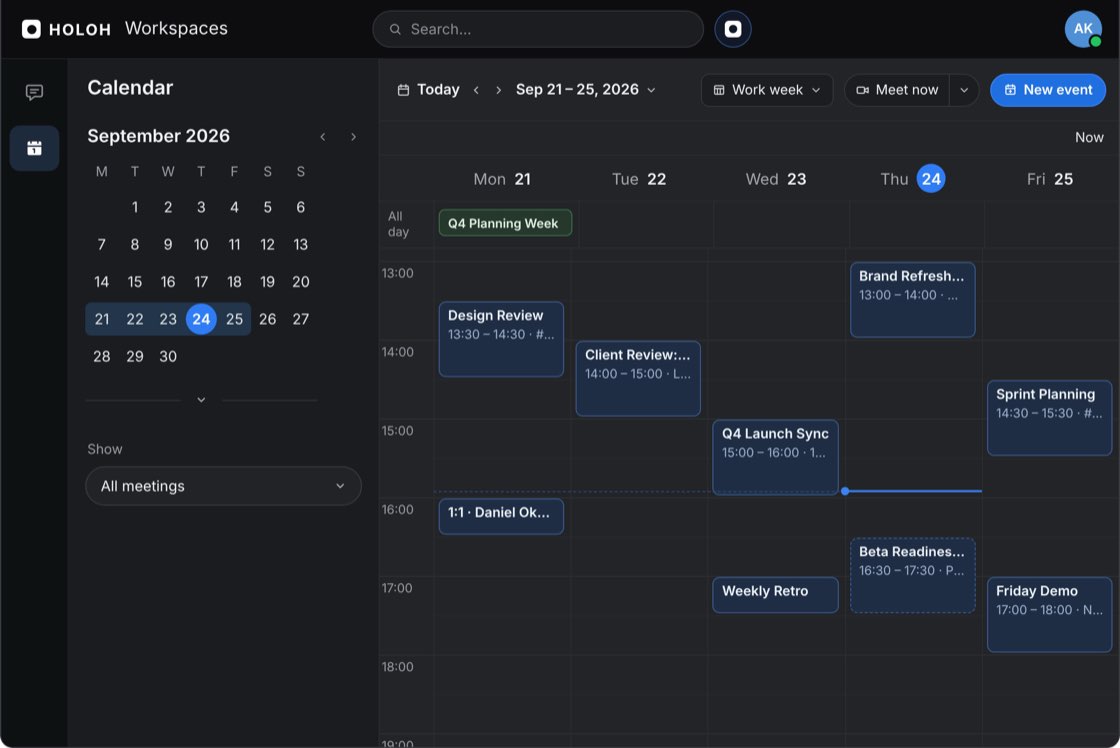
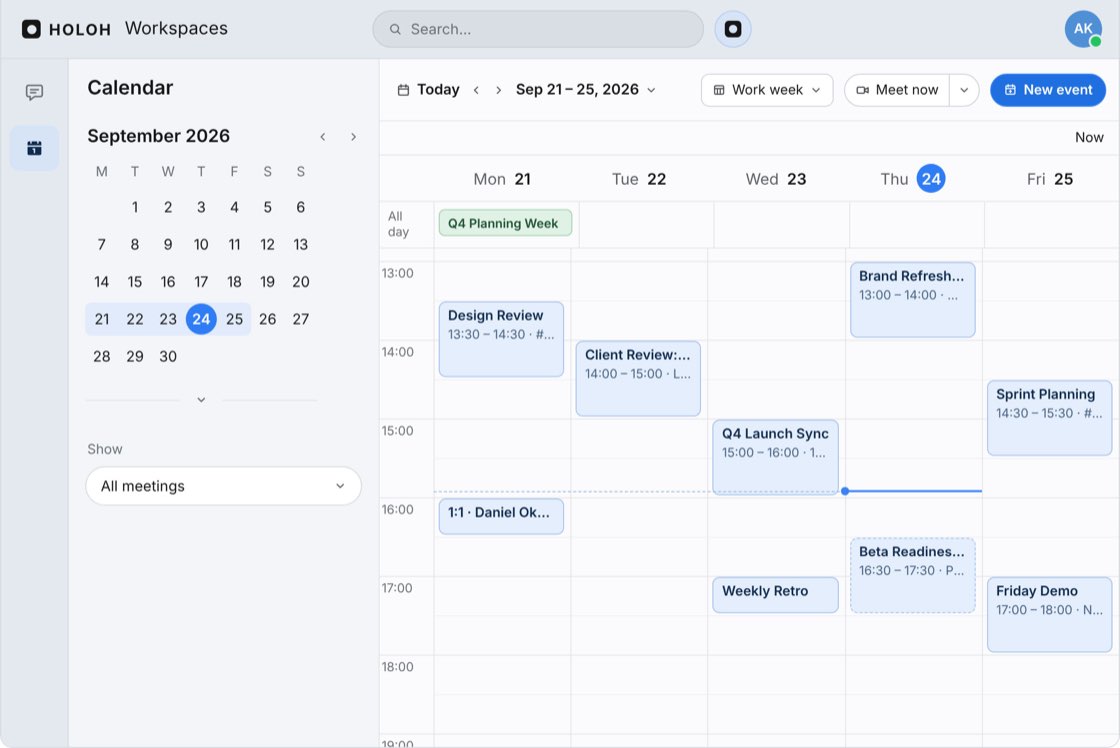
One calendar for meetings and rooms. No juggling between apps to find a time.
Invite anyone in your workspace without leaving the event
Pick the time and the room in the same step
Every event opens straight into its call
Spatial calls
Join a room straight from your browser. A webcam is all you need.
Look around, walk over, and take any open seat
Sketch together on a shared whiteboard
Switch between the 3D room and a flat 2D grid at any time
Early access
HOLOH picks up the busywork.
An agent layer you address by name, in the channel where the work already is. It's early, and we're building it in the open.
Alex in #planning
"Can you move our sync to Thursday?"
Wed 14:00
Design review, 30 min
cancelled
Thu 14:00
Design review, 30 min, 2 invites re-sent
created
Calendar updated, thread answered, nobody chased an invite.
Alex in #planning
"Can you move our sync to Thursday?"
Wed 14:00
Design review, 30 min
Thu 14:00
Design review, 30 min, 2 invites re-sent
Calendar updated, thread answered, nobody chased an invite.
#planning thread
14 messages
Recap in the thread
3 decisions, 2 owners, 1 open question
replied
It reads the thread it was asked in and answers there.
#planning thread
14 messages
Recap in the thread
3 decisions, 2 owners, 1 open question
It reads the thread it was asked in and answers there.
Inbox
18 new since last night
4 surfaced for you
2 need a reply, 2 worth reading
surfaced
14 grouped or archived
Mentions and notifications
grouped
You read four messages instead of eighteen.
Inbox
18 new since last night
4 surfaced for you
2 need a reply, 2 worth reading
14 grouped or archived
Mentions and notifications
You read four messages instead of eighteen.
Sam in #product
"@holoh where did we land on Q3 pricing?"
#product, Jul 2
14 messages
read
Answered in thread
Two tiers, annual only, seat minimum dropped
Asked in a channel, it reads that channel's history and answers in the thread.
Sam in #product
"@holoh where did we land on Q3 pricing?"
#product, Jul 2
14 messages
Answered in thread
Two tiers, annual only, seat minimum dropped
Asked in a channel, it reads that channel's history and answers in the thread.
Why HOLOH
Most teams glue together five apps to feel like they're in the same room. We think a team's home should be one place: fast, built around presence and the agents that work alongside it, not another grid of pixels to stare at.
Everything you need to know about bringing your team into HOLOH Workspaces. Can't find what you're looking for? The full FAQ has more, or reach out and we'll help directly.
What is HOLOH Workspaces?
A team workspace that brings chat, spatial calls, your calendar and an agent layer together in one place, so meeting with your team feels like being in the room, not staring at a grid of boxes.
What do I need to join a call?
A webcam, a mic, and a browser. Chrome works best. No install, no plugin; join straight from the link.
How is this different from Slack or Zoom?
Instead of switching between a chat app and a separate call app, HOLOH's calls put your team in an actual 3D room instead of a grid of video tiles. Walk around, take a seat, and switch back to a flat 2D view whenever you want. The comparison pages set it out side by side.
Do I have to use the 3D view?
No. Switch between the 3D room and a flat 2D grid at any point during a call, and back again.
What is HOLOH, the agent layer?
An agent layer taking shape alongside your team. Today it reads and searches the channels you can already see and answers in the thread you asked in. It is early, and we're building it in the open as it grows.
Is there an app to install?
You can work straight from the browser. There is also a desktop app, on Windows today, with macOS and Linux to follow.
Is anything charged today?
No. Nothing is charged during early access, and the plans on the pricing page show the direction they are heading rather than a price list.
Is my team's data secure?
Everyone signs in through Keycloak, and what you can read is scoped to the workspaces you belong to. The controls larger teams ask us about - federating your own identity provider, audit export, retention policies - are not built yet. Reach out and we'll tell you honestly where each one stands.
Ready to leave the boxes behind?
Log in and bring your team into one home for chat, calls, and your calendar. No setup call needed.